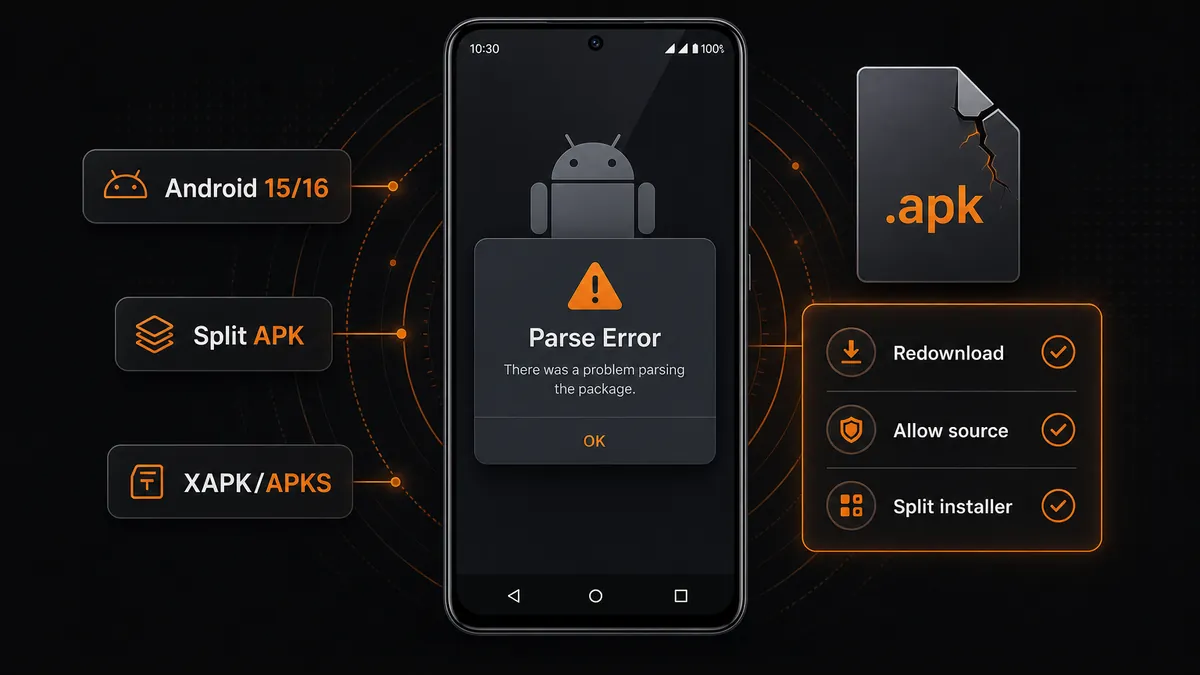
Are you seeing the “APK Parsing Error” (or “There was a problem parsing the package”) while trying to install an APK file? This is a common issue on Android devices, especially when installing mod APK files.
Updated June 30, 2026: this guide now covers newer Android 15/16 install permission paths, Split APK, XAPK/APKS bundles, corrupted downloads, and ABI mismatch cases that older “just enable unknown sources” advice misses.
In this guide, we’ll show you exactly how to fix the parsing error and install the app successfully. Bookmark this page if you often sideload builds outside Google Play. If Android reads the package but blocks the final install, continue with our App Not Installed guide.
What “APK Parsing Error” means
The APK Parsing Error means that your Android device is unable to read or process the APK file. The Package Installer stops before it can show the normal install screen.
This usually happens when the file is incompatible, corrupted, opened with the wrong installer, or blocked by system settings.
Here are the most common reasons for APK parsing errors:
- Android version is too old for the build
- APK file is corrupted or the download is incomplete
- The file is actually a Split APK, XAPK, or APKS bundle
- Install unknown apps is disabled for your browser or file manager
- APK is not compatible with your device (ABI / screen / manifest)
- Android 15/16 blocks the exact app that is opening the file, not just “unknown sources” globally
If the error still persists
Try these next—especially for mod APKs, OEM skins, or mixed CPU architectures.
- Install an older version of the APK that targets your Android build
- Use a different file manager to trigger the installer
- Temporarily review Google Play Protect settings if it blocks parsing (Settings → Security → Google Play Protect)
- Check CPU architecture compatibility (arm64-v8a, armeabi-v7a, x86, or wrong split APK)
- Free storage before retrying; low space can corrupt downloads or make the installer fail while reading resources
FAQ
What causes APK parsing error?
Usually incompatible Android versions, corrupted or incomplete APK files, blocked unknown-source installs, wrong CPU architecture, or trying to open a Split APK, XAPK, or APKS bundle with the normal package installer.
Can I fix parsing error without root?
Yes—all fixes above work without root access.
Why does parsing error happen on Android 15 or Android 16?
Modern Android versions are stricter about unknown-source permissions, package format, target compatibility, and signature/package consistency. Make sure the exact browser or file manager has install permission and that the APK matches your device.
Do XAPK or APKS files install like normal APK files?
No. XAPK and APKS files are usually bundles that contain base and split packages. Use a compatible split installer or download a single universal APK if the listing provides one.
Is it safe to install APK files?
APK files can be safe when downloaded from trusted listings, checked for reasonable permissions, and updated from the same source. Avoid random reuploads or files with mismatched names and sizes.
You may also like
- YouTube Premium APK Not Working? Fix MicroG & Login Issues (2026)
- YouTube Login Error Fix (2026) – Sign In Failed? Try These Solutions
- MovieBox Keeps Crashing? Fix It Now (2026 Guide)
- App Not Installed? Fix Android APK Installation Error (2026 Guide)
- Browse all popular mod APKs – no ads, unlimited money, premium unlocked (latest)
Download the latest working apps
Now that you know how to fix parsing errors, you can browse MODDROID for curated listings: latest versions, clear install notes, and fewer surprises.
- Safe downloads from curated listings
- Latest versions & changelogs where available
- Step-by-step install help in our guides