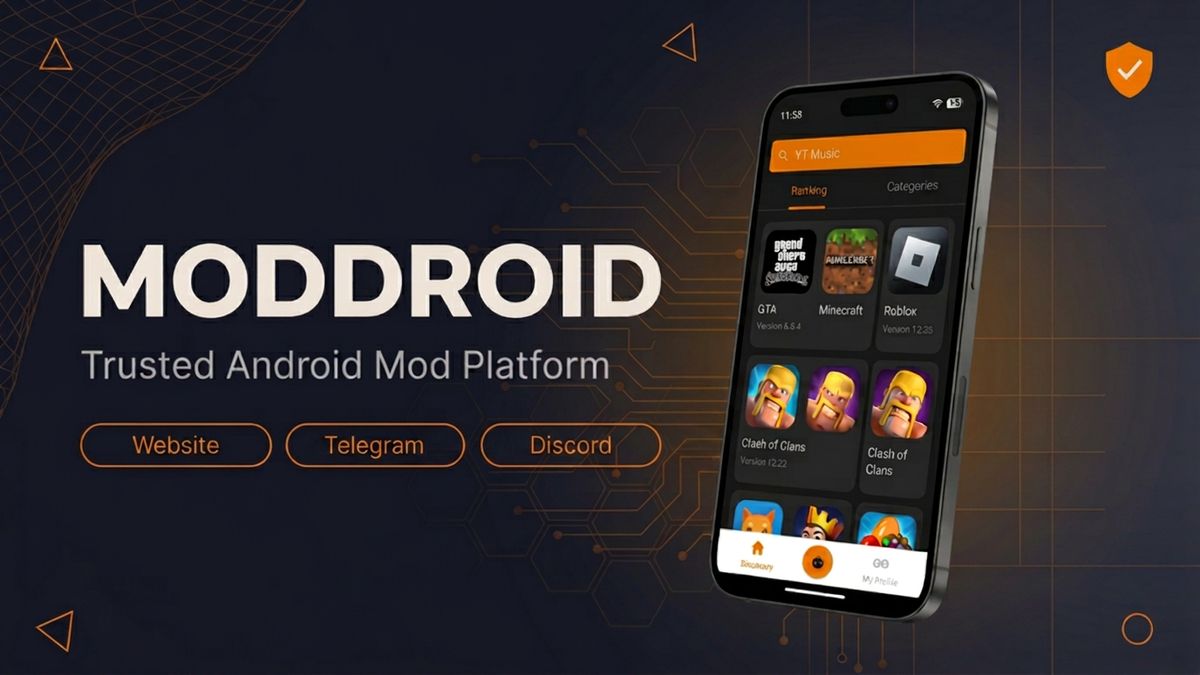
Use MODDROID with context: version tracking, clearer APK pages, app downloads, and community report channels.
Download MODDROID App — Free
Official MODDROID client · Direct APK · No account required to browse · Community-backed reports
If you search for MOD APK files, you will quickly see the same questions: What is MODDROID? Is MODDROID safe? Is it a trusted MOD APK site? What happens if a file is reported?
The honest answer is that no third-party APK platform can promise zero risk. MODDROID's value is different: it gives Android users a more organized catalog, clearer version and mod notes, an Android app for faster access, community feedback, and a report-and-review loop when something looks wrong.
Quick answer: why users trust MODDROID
- Long-running MOD APK platform with the same brand and domain presence for years.
- Curated app and game pages with version numbers, mod feature notes, screenshots, and update context.
- Dedicated MODDROID Android app for browsing, downloads, and version tracking.
- Telegram and Discord communities where users can report broken, outdated, or suspicious listings.
- News and troubleshooting guides for APK parsing errors, App Not Installed issues, and safer sideloading habits.
- A review process that can correct, replace, pause, or remove listings when reports need action.
1
What MODDROID is
▼
MODDROID is an Android MOD APK platform for users who want to discover modified apps and games outside Google Play. It is built around three connected parts: the website catalog, the MODDROID Android app, and community channels where users can follow updates or report issues.
The catalog covers games, music apps, photo editors, streaming tools, utilities, and more. A good MODDROID listing is not just a file button; it should help users understand the app version, mod features, screenshots, compatibility, and what has changed.
MODDROID also publishes a News & Guides section for Android troubleshooting and app comparisons, including guides for App Not Installed, APK parsing errors, and MOD APK safety checks.
2
Is MODDROID safe?
▼
The safer answer is: MODDROID works to reduce risk, but users should still install carefully. Modified APK files live outside the official Play Store review process, and the file has been changed from the original developer build. That means blanket claims like "100% safe forever" would be misleading.
MODDROID focuses on reducing uncertainty before and after download. Listings are organized with app details and version context. Community channels make it easier for users to report broken or suspicious behavior. The team can update, replace, pause, or remove a listing when a report needs action.
If you want a broader safety checklist, read our full guide: Is It Safe to Download MOD APKs?
3
What makes MODDROID different from random APK mirrors
▼
The biggest difference is accountability. A random mirror can copy a file, add misleading buttons, and disappear. MODDROID has a brand, a catalog structure, support channels, and a reason to keep listings usable over time.
| Trust signal |
MODDROID |
Random APK mirror |
| Listing context |
Version, mod notes, screenshots, category, update context |
Often copied text or only a file button |
| Report path |
Community feedback through Telegram, Discord, and listing channels |
Often no clear report channel |
| Update behavior |
Listings can be corrected, replaced, or refreshed |
Old builds may stay online without context |
| Android app |
Dedicated app for browsing, downloads, and version tracking |
Usually browser-only |
| Guides |
Install fixes, APK safety tips, app comparisons, troubleshooting |
Usually no practical support content |
This does not mean every third-party APK is risk-free. It means users have more context and a clearer feedback loop than they get from an anonymous mirror.
4
How MODDROID reviews reports and suspicious APKs
▼
Reports matter because many APK problems only appear after real users test a build on different Android versions, chipsets, regions, and account states. A report may be about malware warnings, install failure, app crashes, login issues, broken mod features, mismatched versions, or permissions that do not make sense.
When a report is actionable, MODDROID can review the listing, compare version details, collect more user feedback, update the page, replace the package, or remove the listing while the issue is checked. False positives are also common in the MOD APK space because modified signatures, packed code, or changed manifests can trigger security warnings even when behavior is not malicious.
For a deeper look at the review workflow, read How MODDROID Reviews User-Submitted MOD APKs and Handles Reports.
5
Permissions: what users should check before installing
▼
Permissions are one of the simplest ways to judge APK risk. A photo editor may need media access. A navigation app may need location. A messaging app may need notifications. But an offline puzzle game asking for SMS, call logs, accessibility control, or device admin access should raise questions.
Before opening a newly installed APK, check:
- Does the requested permission match the app's purpose?
- Does the app ask for sensitive account login?
- Is the app requesting Accessibility, VPN, notification access, SMS, contacts, or device admin?
- Can you deny the permission first and still test the app?
- Does the file name, app name, and version match the listing?
If a permission feels unrelated, deny it first. If the app refuses to work without a suspicious permission, uninstall it and report the listing.
6
The MODDROID Android app
▼
For users who download frequently, the MODDROID Android app is the fastest path from discovery to download. It connects to the same catalog as the website, lets you browse categories, and makes version tracking easier than searching through a browser every time.
Key benefits of the MODDROID app:
- Browse apps and games without relying on search results or mirrors.
- Find version notes, mod features, screenshots, and download information in one place.
- Track updates more easily when a listing receives a new version.
- Use a cleaner download flow than pop-up-heavy mirror pages.
- No account required to browse and download.
The app does not replace careful safety checks, but it does reduce confusion around where the file came from and which version you are downloading.
7
Community: Telegram, Discord, and user reports
▼
MODDROID's community lives on Telegram and Discord. These channels are important because APK trust is not only a pre-download question. Users need somewhere to ask why an app failed, whether a warning is normal, and whether other people are seeing the same behavior.
Telegram is best for fast updates, version announcements, and quick visibility when a popular app breaks. Discord is better for longer discussions, install help, mod requests, and reporting details that need context.
When reporting an issue, include the app name, version, Android version, device model, warning message, and what happened after install. Reports with details are much easier to review than "not working" messages.
8
Common install problems are not always threats
▼
Many users see an Android install error and immediately worry that the APK is dangerous. Sometimes that concern is valid, but many install errors are technical rather than malicious.
App Not Installed often means a signature conflict, downgrade block, not enough storage, wrong Android version, or a package that conflicts with an existing official app. APK Parsing Error often means a corrupted download, wrong package format, XAPK/APKS bundle, split APK, or Android compatibility mismatch.
Use the right guide before assuming the worst: App Not Installed Fix and APK Parsing Error Fix. If an app installs but behaves suspiciously afterward, then treat it as a report-worthy safety issue.
9
Community moderators, developers, and future contributions
▼
MODDROID is still growing, and the trust layer improves when more knowledgeable users participate. Community moderators help organize reports, guide new users, and identify recurring install problems. Mod developers and verified contributors can help keep high-demand listings more current.
The future contribution direction is practical: clearer submission channels, better version provenance, faster report triage, and a Mod Wish Pool where users can request apps or features the community wants most.
If you want to help as a moderator, contributor, or developer, join Telegram or Discord and mention your interest there.
10
The bottom line: trusted does not mean careless
▼
MODDROID can be a trusted place to discover Android MOD APKs because it is organized, community-backed, and responsive to reports. But "trusted" should never mean "install anything without checking."
Good APK habits still matter: download from the same source when updating, avoid random reposts, read version notes, check Android compatibility, review permissions, and be careful with apps that request sensitive login or payment information.
MODDROID's role is to give users better information and a clearer support loop. The user's role is to install carefully and report problems quickly when something looks wrong.
FAQ: MODDROID safety, trust, reviews, and reports
What is MODDROID?
MODDROID is a long-running Android MOD APK platform with a curated app and game catalog, a dedicated Android app, News and Guides, and active communities on Telegram and Discord.
Is MODDROID safe to use?
MODDROID works to reduce risk with organized app pages, version notes, community reports, file review workflows, and faster listing updates when problems are reported. No third-party MOD APK platform can promise zero risk, so users should still install carefully.
How does MODDROID handle reported APKs?
Reports are reviewed with context. Depending on the issue, MODDROID may update the listing, collect more feedback, replace the file, pause the download, or remove the listing while the problem is checked.
What permissions should I worry about in a MOD APK?
Be careful with Accessibility, VPN, SMS, contacts, notification access, device admin, broad storage access, and sensitive account login. If a permission does not match the app's purpose, deny it first or uninstall the app.
Where can I report a suspicious APK on MODDROID?
Use the report path on the app page when available, or contact the community through Telegram or Discord. Include the app name, version, Android version, device model, warning message, and what happened.
Does an install error mean the APK is dangerous?
Not always. Many install errors come from signature conflicts, corrupted downloads, wrong Android versions, split packages, storage issues, or unknown-source settings. If the app installs but behaves suspiciously afterward, report it.
Where do I download the MODDROID app?
Use the orange Download button at the top or bottom of this page to get the latest MODDROID APK directly. No Play Store and no account required to browse.
Related MODDROID guides
Get the MODDROID App for Android
Download MODDROID App — Free APK
Join the community on Telegram or Discord — moderator or developer interest? Mention it there.